在Android使用git
c4droid吧
全部回复
仅看楼主
level 11
745275633
楼主
仅限安卓5.0以上!!!
2016年06月12日 06点06分
1
level 11
745275633
楼主
首先,先下载termux 我用的是 @ks1519768 的美化版
[无效] http://pan.baidu.com/share/link?shareid=3907754092&uk=288217650
2016年06月12日 06点06分
3
745275633
其实这么简单的事真的要教程吗
2016年06月12日 06点06分
level 4
215503346
git 。。是撒子
2016年06月12日 06点06分
4
745275633
额,不会百度吗
2016年06月12日 06点06分
level 11
745275633
楼主
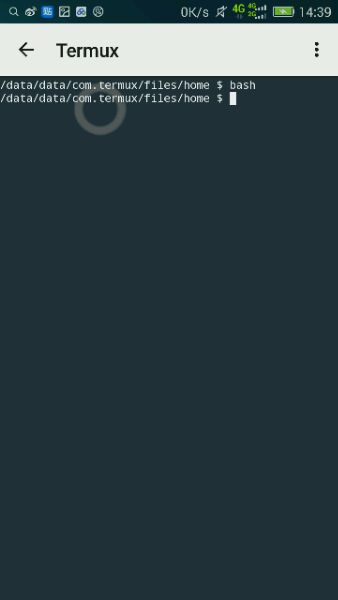
输入bash
2016年06月12日 06点06分
8
level 11
745275633
楼主
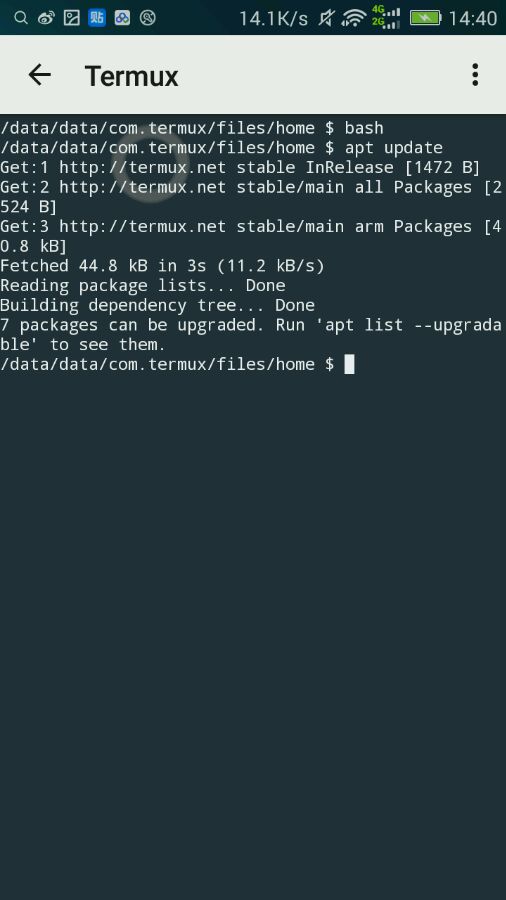
然后 apt update
2016年06月12日 06点06分
9
level 11
745275633
楼主
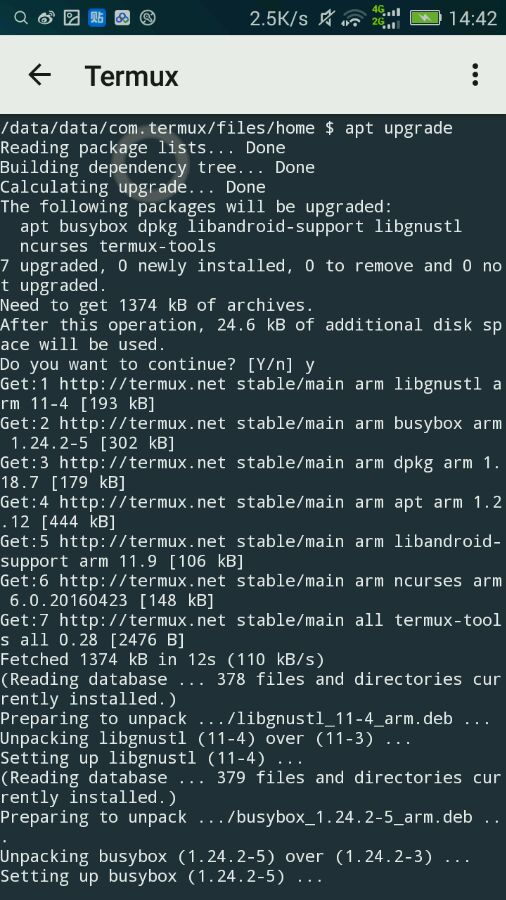
apt upgrade 把内置软件更新一下
当问你Do you want to continue?是按回车或输入y再回车
2016年06月12日 06点06分
10
level 11
745275633
楼主
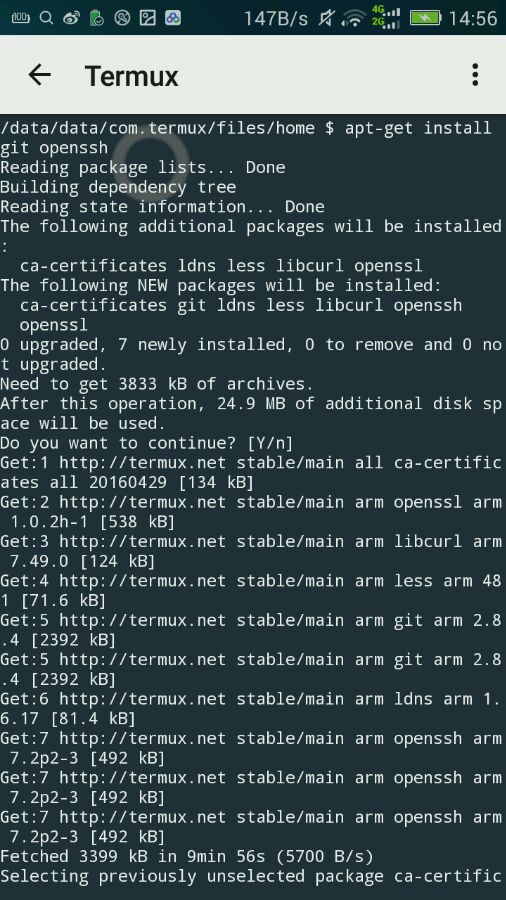
接下来 apt install git openssh (如果你不需要远程仓库,openssh可以不安装)
同样y+回车或直接回车
2016年06月12日 06点06分
12
level 11
745275633
楼主
我还是在给点教程吧
2016年06月12日 06点06分
14
745275633
15楼在17楼
2016年06月12日 07点06分
level 11
745275633
楼主
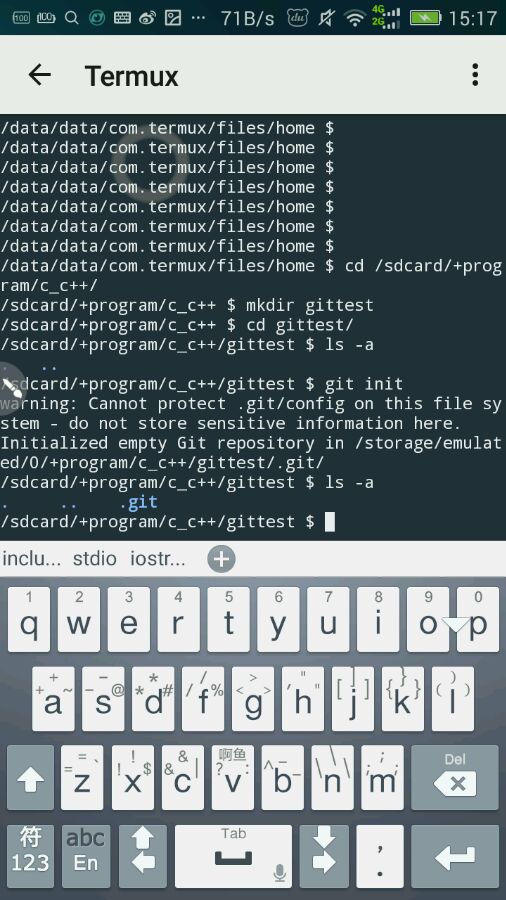
进入你想创建git仓库的目录
2016年06月12日 07点06分
16
level 11
745275633
楼主
补15楼:git config --global user.name "your name"
git config --global user.email "your email"
your name和your email改成你的名字和邮箱,这个用于标记仓库上传者信息
2016年06月12日 07点06分
17
level 11
745275633
楼主
补15楼图
2016年06月12日 07点06分
18
level 11
745275633
楼主
接16楼:在里面输入
git init
里面会生成.git文件夹
2016年06月12日 07点06分
19
level 11
745275633
楼主
更多教程自己百度,可以看一下这篇教程
http://blog.jobbole.com/78960/
或者这一系列教程
http://blog.jobbole.com/84644/
2016年06月12日 07点06分
20
level 11
745275633
楼主
再讲一下远程仓库
2016年06月12日 07点06分
21
level 11
745275633
楼主
首先,你要有github帐号
2016年06月12日 07点06分
22
1
2
尾页