dmesg日志和logcat日志,怎么保存?输入啥命令?
androidx86吧
全部回复
仅看楼主
level 8
——来自 爱贴吧 Windows Phone 客户端
2015年12月06日 12点12分 1
level 8
In debug mode after the last exit command that cause GUI to start
press [ALT]+[F1]
plug an USB flash disk, that will appear usually as /storage/usb1
and use following commands:
cd /storage/usb1
dmesg > dmesg_app_that_crashed_YYYY-MM-DD.txt
cp /data/log.txt logcat_app_that_crashed_YYYY-MM-DD.txt

2015年12月06日 17点12分 3
不完全对,变通是必须的 ——来自 爱贴吧 Windows Phone 客户端
2015年12月06日 23点12分
level 8
2015年12月06日 23点12分 4
level 8
有点意思,反正我会了
——来自 爱贴吧 Windows Phone 客户端
2015年12月06日 23点12分 5
level 8
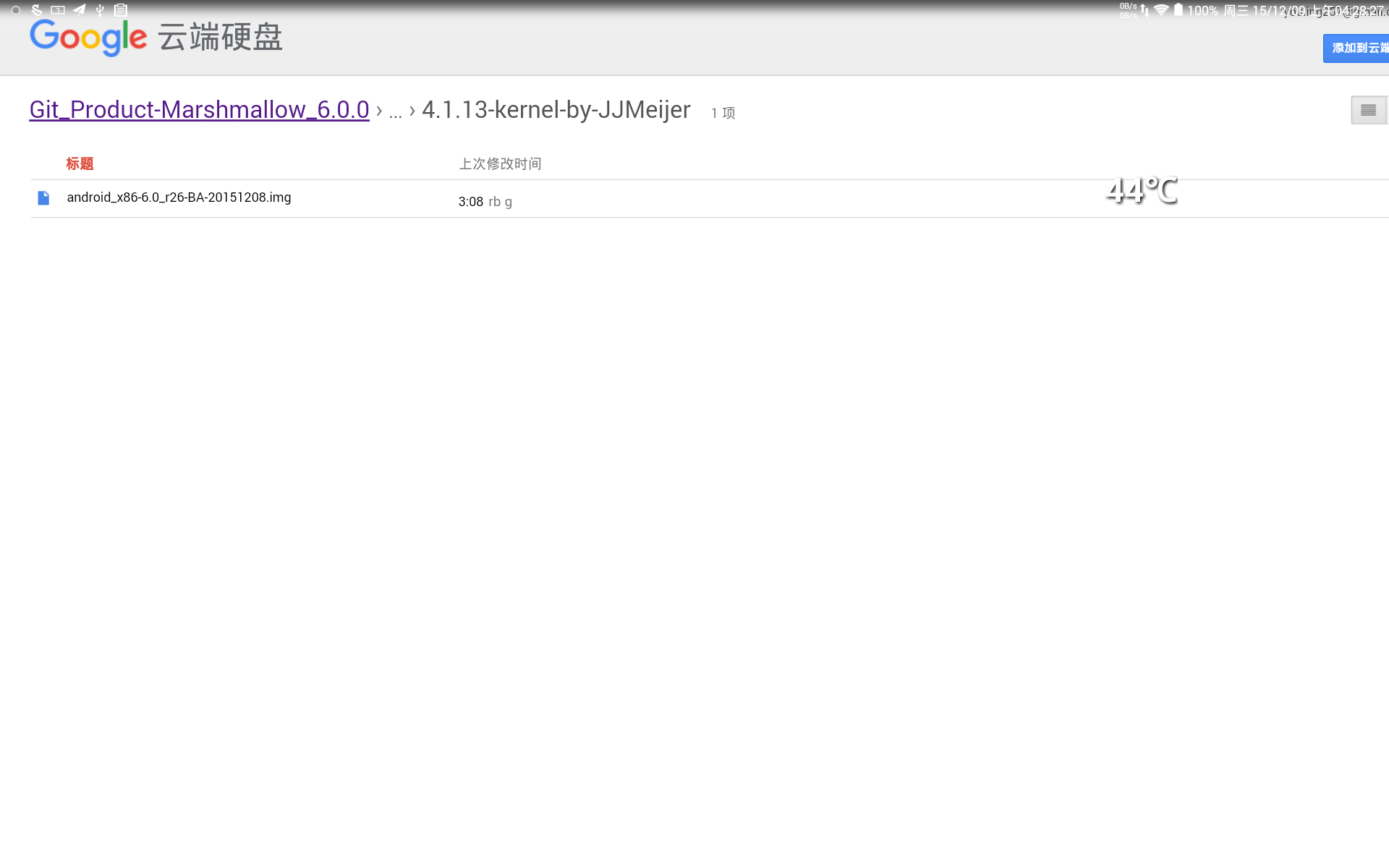
BayTrail-Atom_SOC,4.1.13-kernel-by-JJMeijer,启动不了
向rbg大神反馈dmesg和logcat
2015年12月08日 20点12分 7
level 8
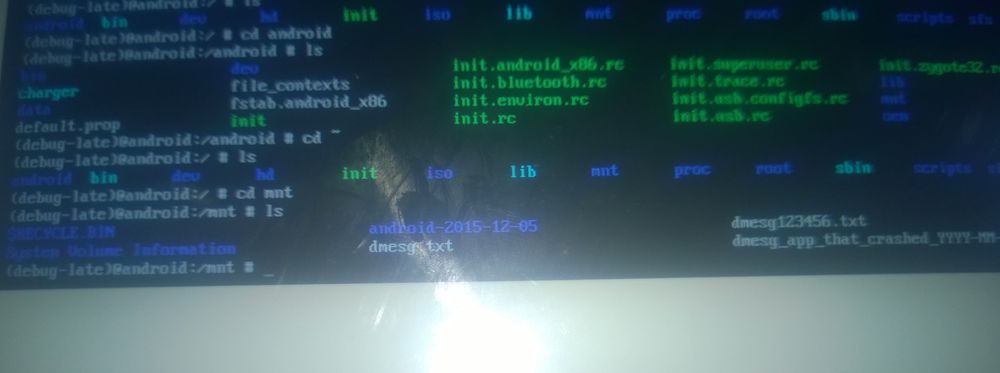
debug mode下,根目录是@android:/,不同于@android:/android
cd到这个目录@android:/mnt,
make_ext4fs -s -l 1200M system.img /android/system
tar cvf data.tar /android/data
2015年12月16日 20点12分 9
1