
level 14

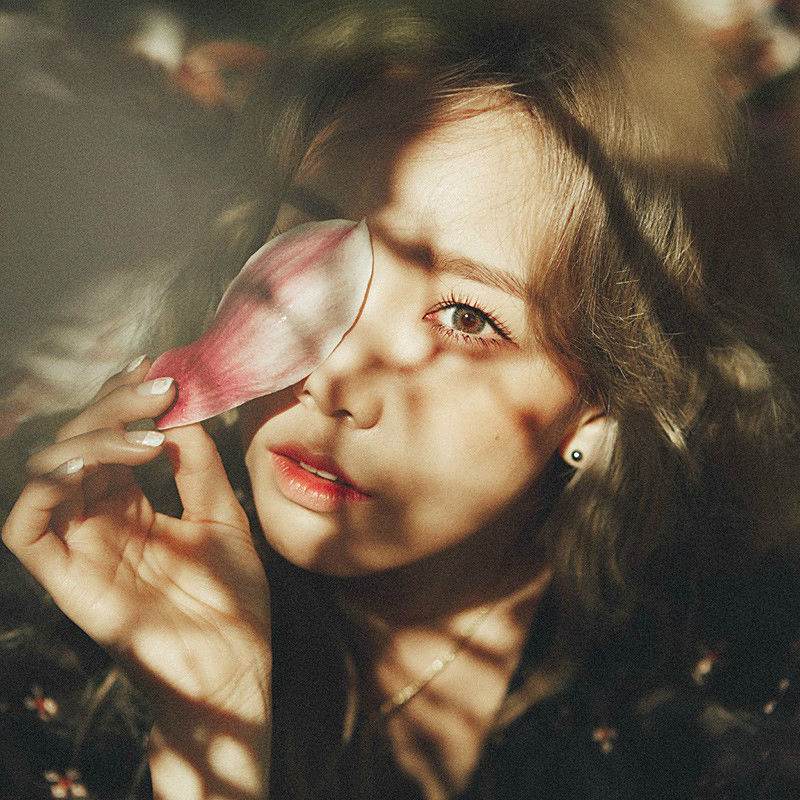
效果
2015年02月18日 04点02分
1
level 14
![[玫瑰]](/static/emoticons/u73abu7470.png)
这是美图秀秀教程
2015年02月18日 04点02分
2
效果公用
2015年02月18日 05点02分
level 14
level 14
level 14
level 14
level 14

右键插入原图5 放大调整到↑
2015年02月18日 04点02分
7
level 14

合并原图5
点击局部处理-背景虚化
调到最大力度
2015年02月18日 04点02分
8

level 11
顶~
2015年02月18日 04点02分
9
![[太开心]](/static/emoticons/u592au5f00u5fc3.png)
你可以跟着做做
超简单哒
2015年02月18日 04点02分
level 14

插入原图4
调整大小位置 如↑
2015年02月18日 04点02分
10

level 11
图好漂亮
![[花心]](/static/emoticons/u82b1u5fc3.png)
,可否抱走
可以 琦吧公用好了
2015年02月18日 04点02分
level 14

点击右键-【橡皮擦】-擦掉矩形里面的部分
2015年02月18日 04点02分
12
level 14

插入原图3
调整如↑
2015年02月18日 04点02分
13
level 14

仍旧右键-【橡皮擦】
擦掉部分
如图↑
2015年02月18日 04点02分
14
level 14

插入原图2
调整
2015年02月18日 04点02分
15
level 14

仍旧右键-【橡皮擦】
擦成如图↑
2015年02月18日 04点02分
16
level 14

插入原图1
调整
2015年02月18日 04点02分
17
level 14

仍旧右键-橡皮擦
擦成这样↑
2015年02月18日 04点02分
18
level 8
level 14
稍微调整一下原图1透明度


![[喷]](/static/emoticons/u55b7.png)


