
level 4
看看硬件资源够不够,系统版本和数据库版本是不是一致啊……
2019年03月09日 21点03分
7

level 2
版本不对,我建议用oracle2014 那个很好用
2019年03月13日 06点03分
8

level 2
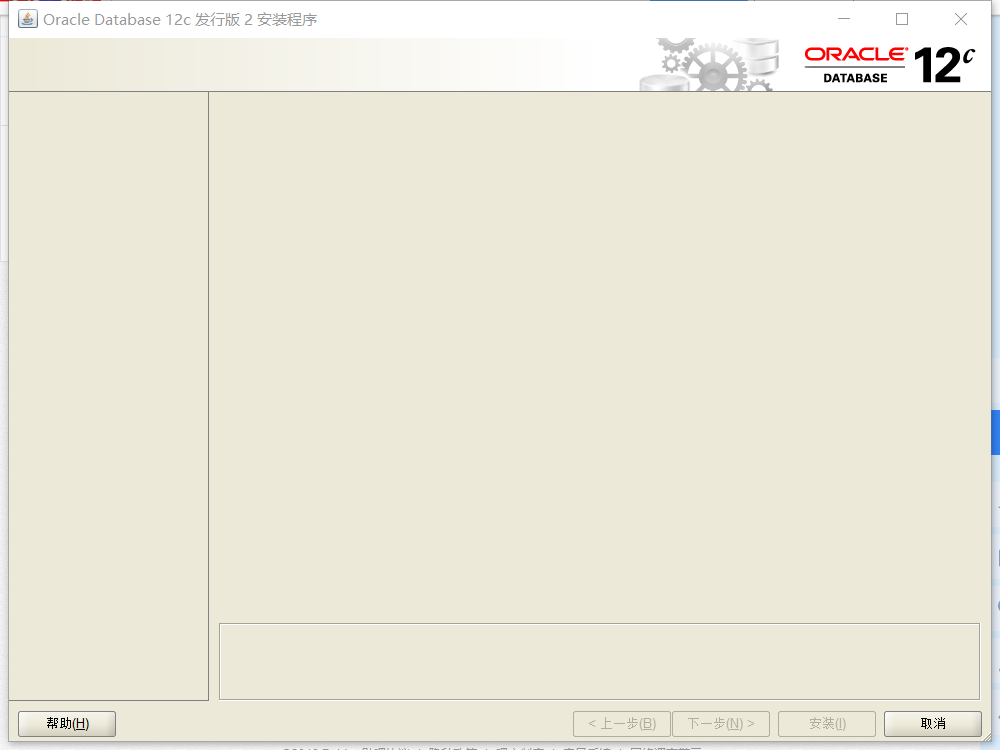
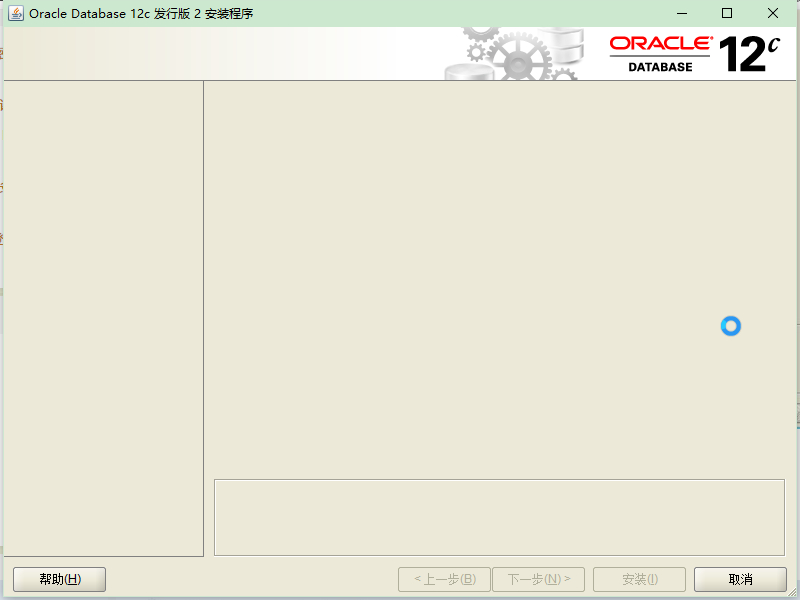
我也是啊 有没有大佬知道啥问题 我看日志一直卡在 INFO: Checking whether the IP address of the localhost could be determined...
2020年04月14日 06点04分
12

level 3
鼠标放这个窗口边缘,拖动改变窗口大小之后试一下能不能出来
2020年05月16日 19点05分
14

level 1
已解决:查看C:\Program Files\Oracle\Inventory\logs\InstallActions2022-01-26_05-29-29PM 中的log日志,会有这个问题:Checking whether the IP address of the localhost could be determined...需要手动禁用所有网卡,就可以安装,安装后正常运行
2025年01月21日 11点01分
15

level 1
这个安装包怎么弄呀,自己安装好就可以搭业务环境了吗
2025年02月12日 13点02分
16






![[泪]](/static/emoticons/u6cea.png)


![[哈哈]](/static/emoticons/u54c8u54c8.png)