level 12
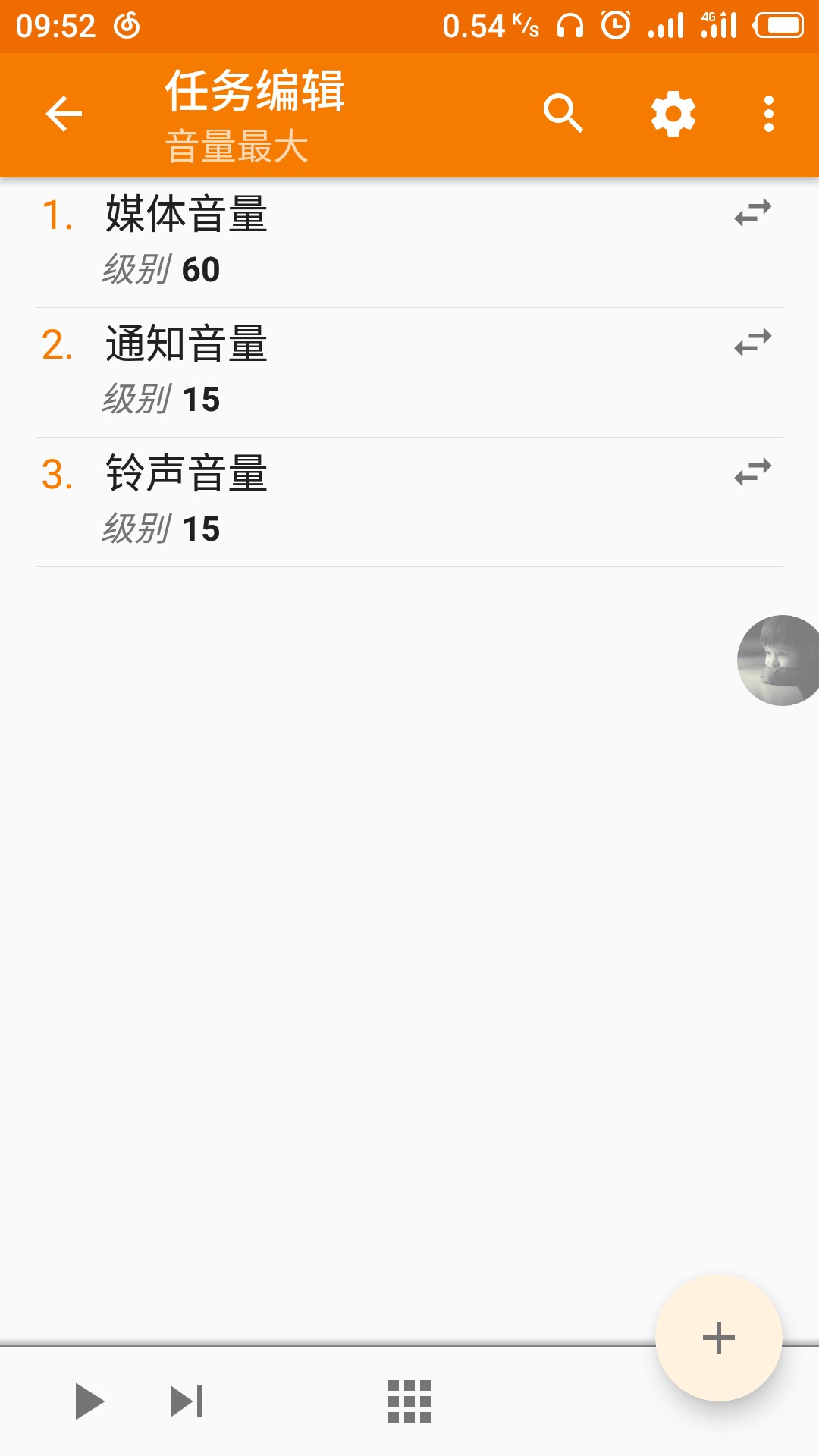
可以做啊,我就用了这个,打开高德地图,最大音量。配置文件,新建,应用程序,选择高德地图,执行任务,音频,媒体音量,60
2018年07月29日 05点07分
2

那要在后台挂着的应用这样搞行不行,比如QQ什么的
2018年07月29日 05点07分
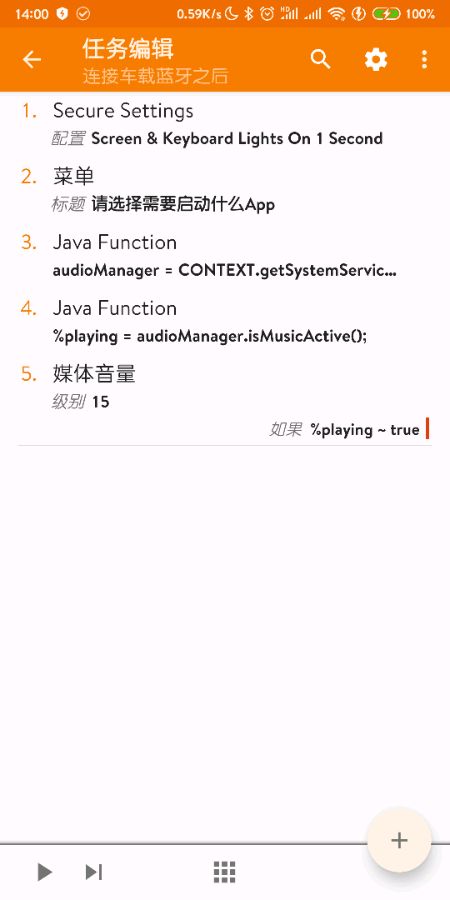
@六特尔 那如果是音乐播放器在后台放歌的时候它能控制得了吗,或者说,我现在设置的是关屏后自动调节音量到最大,那这个时候如果有音乐在播放的时候能不能做到自动取消关屏音量调到最大
2018年07月30日 03点07分
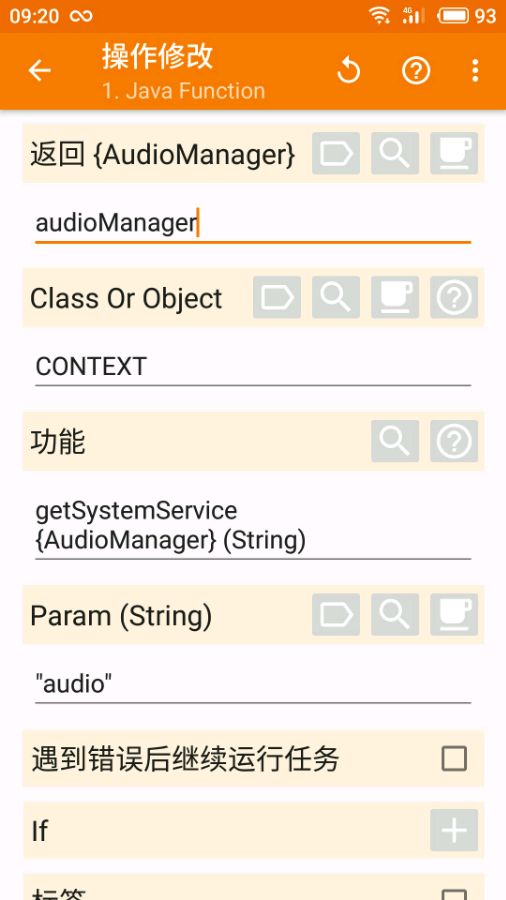
@回眸丶life 音乐在后台播放的时候,一般通知栏会有标识吧,可以判断通知栏是否有这个标识,如果有,就不执行音量最大。
2018年07月30日 12点07分
level 12
Write Secure Settings Permission
To use this, Tasker needs to be granted permission to change secure settings on your device
Enable Developer Mode: Go to Android Settings -> About Phone and look for the Build Number option. Touch it multiple times until developer mode is enabled.
Enable USB Debugging: Go to Android Settings -> and look for the Developer Options option. In there, enable the USB debugging option.
Install ADB on your PC: Check here for a quick way to do it.
Connect device to PC: Connect your device to a PC and look on your phone. A prompt should show up asking you to allow your phone to be debugged by your PC. Accept this.
Grant permission: Open a command line on your PC and write
adb shell pm grant net.dinglisch.android.taskerm android.permission.WRITE_SECURE_SETTINGS
If you're on a mac write
./adb shell pm grant net.dinglisch.android.taskerm android.permission.WRITE_SECURE_SETTINGS
Notes:
On MIUI devices you may have to open developer options and enable the USB debugging (Security Settings) setting to be able to run the above command.
2018年10月16日 03点10分
18

你微信多少了解一下
2019年05月12日 19点05分
大佬,麻烦再请教你一个问题,就是说我现在已经按照你的设置了开屏锁屏都自动调节成我设置好的音量,而且按着你教的也实现了在这种情况下放音乐的话就直接停止了自动音量调节。那能不能再设置一直如何才能在语音通话或者打电话的时候也关闭自动调节音量?
2020年02月14日 16点02分
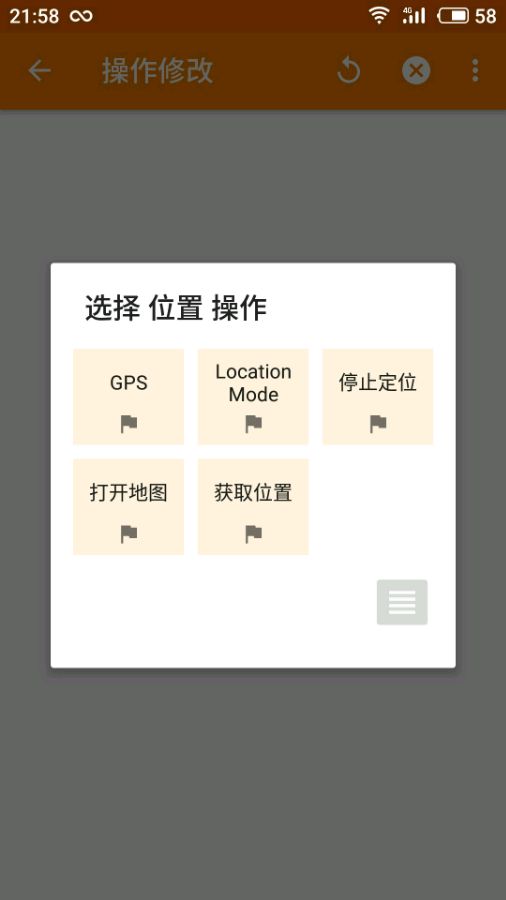
@回眸丶life 打电话:配置文件,状态,电话,通话,类型任意。语音通话是微信的语音通话?估计有点麻烦。
2020年02月15日 01点02分


![[委屈]](/static/emoticons/u59d4u5c48.png)



![[吐舌]](/static/emoticons/u5410u820c.png)
![[真棒]](/static/emoticons/u771fu68d2.png)


![[泪]](/static/emoticons/u6cea.png)