level 13
树莓派2B体验OSMC(包含安裝教程)
Do you have a Raspberry Pi ?Do you like 折騰?Do you want to make a Media Center in your home?If u want ,you can come with me.
First step,you need a Raspberry Pi,a computer,a SDcard reader,a nice SDcard(at least 8GB)and your computer must online.
2018年03月01日 01点03分
1
level 13
Second,find this on your computer :osmc.tv
And download a .exe file to install OSMC on your SDcard.
2018年03月01日 01点03分
2
level 13
Third,if the setup wrote down files on your SDcard reader,you can take out your SDcard and take it in Raspberry Pi.Then you can install the OSMC!
2018年03月01日 01点03分
3
level 13
After that, your Pi will install it.When it is ok,your Pi will reboot.
2018年03月01日 01点03分
5
level 13
Then you can see OSMC's desktop! But please don't click anything.Because there will be a OSMC's tour.
2018年03月01日 01点03分
7
level 13
On your first time,you mustn't to change language to Chinese!Because your font can't support Chinese .
To set it,you should change it when tour over.
2018年03月01日 01点03分
8
level 13
以下是中文解說:
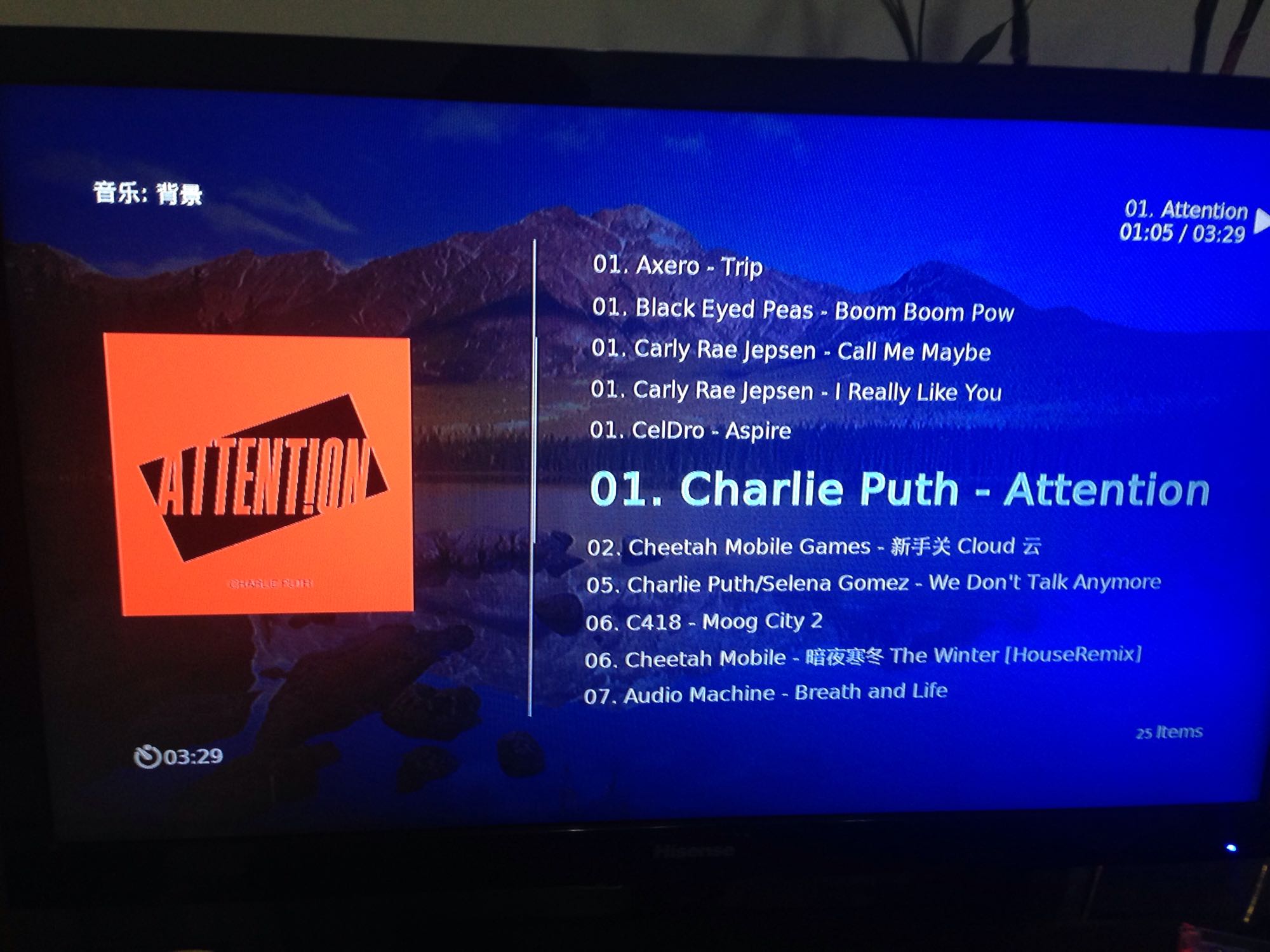
配置完成OSMC後,你將可以看到耳目一新的主頁面,我感覺它是極具特色的,但是又有點類似於windows media center。
2018年03月01日 01点03分
10



![[阴险]](/static/emoticons/u9634u9669.png)
![[吐舌]](/static/emoticons/u5410u820c.png)

![[太开心]](/static/emoticons/u592au5f00u5fc3.png)