预告贴,准备同步AndroidIA源码,貌似支持Vulkan
androidx86吧
全部回复
仅看楼主
level 13
离立tw 楼主
如题,如图。准备吃吃这个螃蟹
2017年02月21日 06点02分 1
level 13
离立tw 楼主
2017年02月21日 06点02分 2
level 13
离立tw 楼主
同步源码完成,总大小38G(已经清理掉因个别项目同步失败产生的缓存文件)总时间36小时,有效时间24小时。20M小水管加上前天晚上会断网以及github被墙[喷]。准备开始编译[滑稽]
2017年02月25日 00点02分 7
level 6
厉害了
2017年02月25日 15点02分 9
level 13
离立tw 楼主
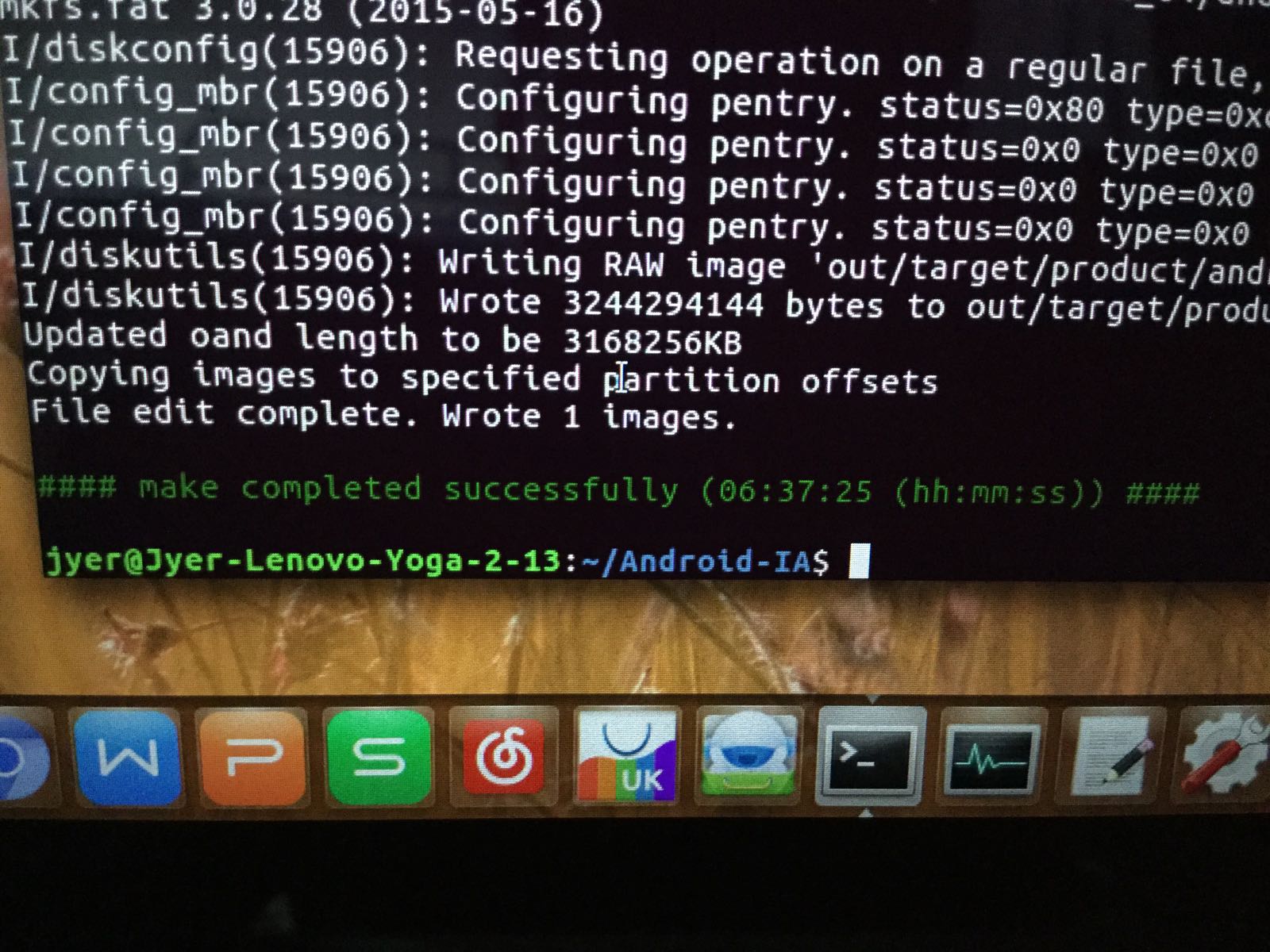
经历十四小时的编译,已经成功。镜像3.2G(没有像ax86那样压缩成sfs),马上也要断网了[喷],所以明天再上传
2017年02月25日 15点02分 10
level 8
2017年02月26日 01点02分 12
level 8
Flash Image:
Grub UEFI Image
Unmount USB: sudo umount /dev/sdX (Check where usb is mounted and change appropriately)
sudo dd if=out/target/product/androidia_64/androidia_64.img of=/dev/sdX (Check where usb is mounted and change appropriately)
Kernel Flinger Image
•We need to copy the kernel flinger related images into the EFI/FAT partition on a USB pen drive
cd <mount path of EFI/FAT partition>
unzip <ANDROID_IA_BASE_FOLDER_PATH>/out/target/produc/androidia_64/androidia_64.flashfiles.eng.${USER}.zip
•Plug the pen drive into system and use BIOS Boot Manager to start EFI Shell
•Press "ENTER" when asked to execute startup.nsh
•Installation will start and reboot the system after finished. Remove the pen drive
Updating images using fastboot after Kernel Flinger install above
Currently adb reboot bootloader|recovery is not working so we can manually go into fastboot mode as below -
•In BIOS -> Boot Option - > Internal EFI Shell
•on the EFI shell type loader -f
•This will boot into fastboot mode
Alternative you can directly go into fastboot mode using - BIOS -> Boot Options -> Fastboot
We can then easily burn any images using - fastboot flash <partition> <image-file
2017年02月26日 01点02分 13
level 8
Building the OS image
. build/envsetup.sh
lunch androidia_64-eng
GRUB Enabled Build
make android_ia-efi -j4
Kernel Flinger Based Build
make SPARSE_IMG=true -jN flashfiles
2017年02月26日 01点02分 14
level 8
Bugs
Please file any bugs here: https://01.org/jira/projects/AIA/issues/AIA-2?filter=allopenissues Note that you need to register at 01.org for this: https://01.org/user file it under the right component of interest Tools, Kernel, connectivity, Bootloader, CTS, Media, CI, Functional, Vulkan, Audio, Mesa, HWComposer

2017年02月26日 01点02分 15
level 1
楼主您好,能不能升级内核版本到4.13版本或者4.12也行,最新的内核自带了一大波驱动,4.2的wifi触摸都没法用。
2017年08月23日 03点08分 16
你自己找x86的新内核与firmware替换试试,或者自己同步源码编译一个,实在不行就还是用x86吧。楼主最近在实习哦,没时间折腾这个了 ----来自-贴吧UWP for Windows10 on Lenovo Yoga 2 13
2017年08月23日 06点08分
我就是找不到新内核啊,x86更不行了,卡开机界面,按alt+f1好像一直提示什么初始化失败[泪]。算了驱动自己编成模块加进去应该也可以。
2017年08月23日 07点08分
level 4
androidx86 8.1r1支持vulkan了
2019年01月16日 06点01分 17
1