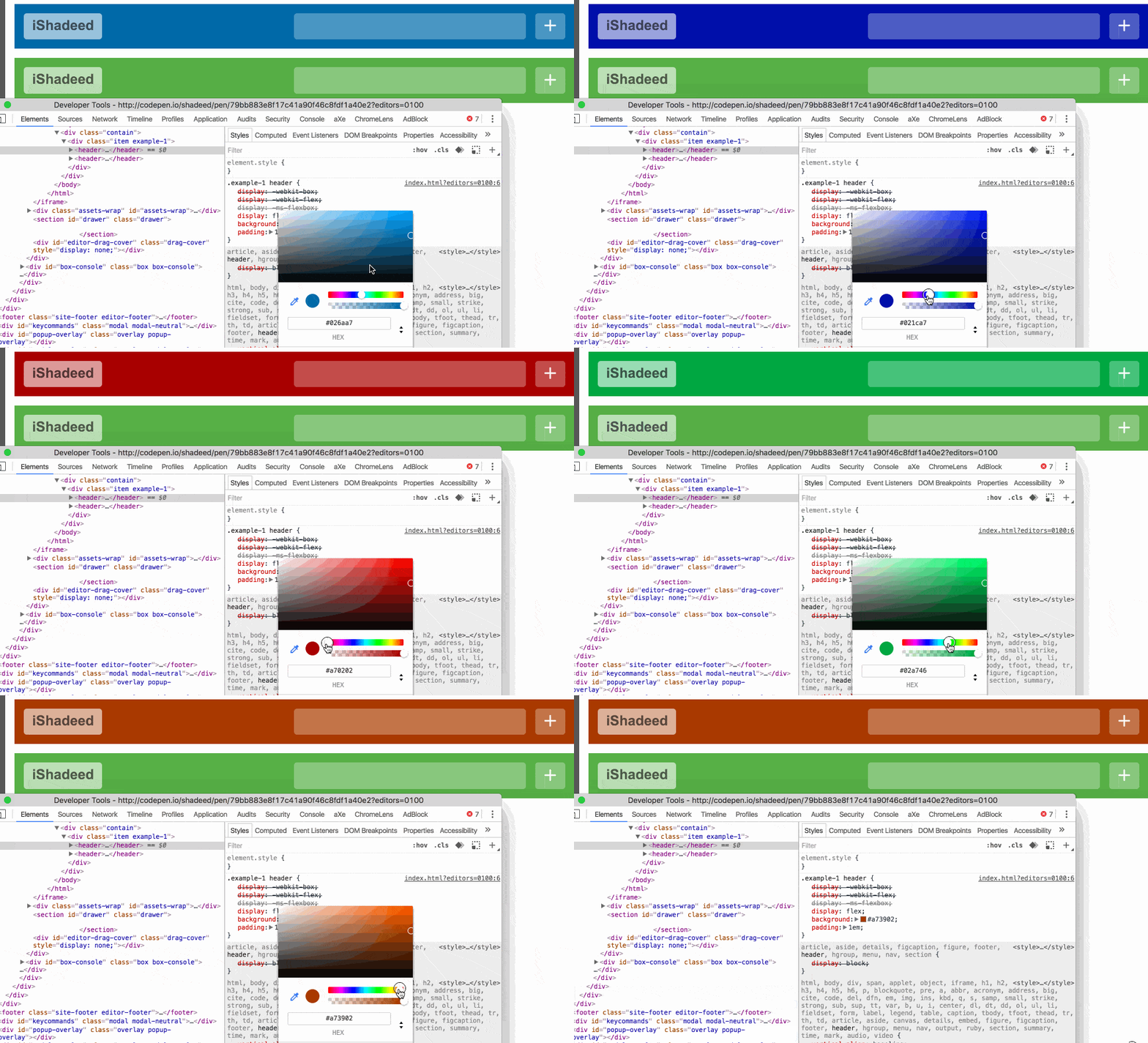
在这个例子中,使用 rgba() 将有助于改变下列元素的颜色:
顶部和底部边框
中间包裹元素的背景
类别链接的背景

.parent{
background: #5aaf4c; /* 父级背景 */
box-shadow:
inset 0 8px 0 0 rgba(255, 255, 255, 0.5),
inset 0 -8px 0 0 rgba(255, 255, 255, 0.5); /* 顶部和底部边框 */
}
.contain{
background: rgba(0, 0, 0, 0.1);
}
.category{
background: rgba(255, 255, 255, 0.5);
}
例如 Article Header 。
按钮
当定制按钮的主题时,可以使用 rgba() 来改变 hover 和 focus 按钮时边框和阴影的样式。
.button{
background: #026aa7;
box-shadow: inset 0 -4px 0 0 rgba(0, 0, 0, 0.2);
}
.button:hover{
box-shadow: inset 0 -4px 0 0 rgba(0, 0, 0, 0.6), 0 0 8px 0 rgba(0, 0, 0, 0.5);
}
.button:focus{
box-shadow: inset 0 3px 5px 0 rgba(0, 0, 0, 0.2);
}
例如 Buttons 。


![[开心]](/static/emoticons/u5f00u5fc3.png) 老铁们
老铁们