level 5
快乐小羊羊
楼主
懒得再写一遍中文了,基本都能看懂吧。可以生成具有可变层高、可变填充率等设置的gcode文件,比Slic3r的可变层高功能更强大。
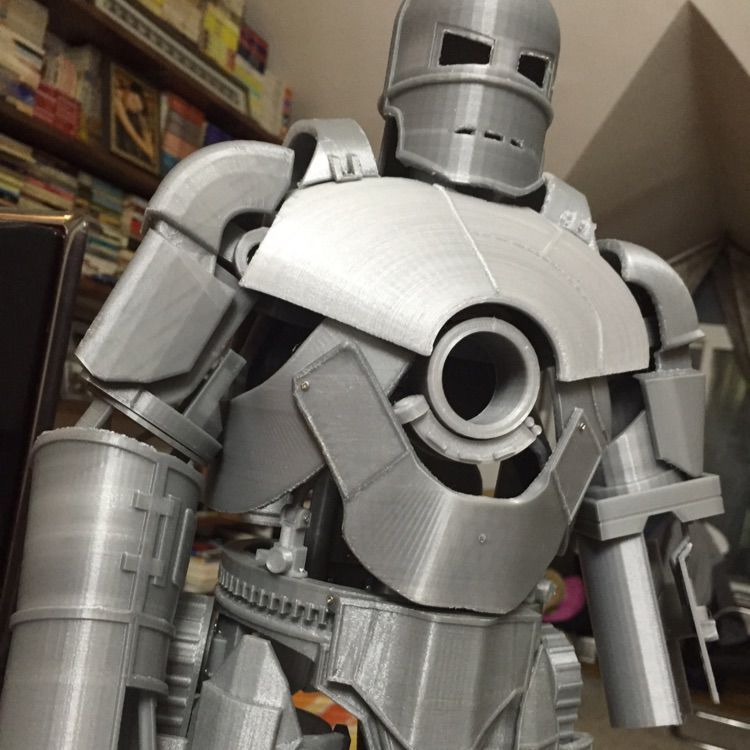
这个超人模型用了3种设置,底座0.3层高填充30%、肩部、头顶0.1层高、0填充,其它0.3层高0填充。可以节省大量时间,同时获得理想的精度。
http://www。thingiverse.com/thing:471119

 --Whatdoes Gmixer do?
This python script mixes different gcodefiles to generate a new one with different settings (infill, layer heights, etc)for different layers (It’s like DNA crossover.). The current version Cura doesnot have this function. With proper settings of infill and layer heights fordifferent layers, you can save a lot of time and get a very good printing atthe same time.
This program has no GUI, so it’s not veryuser friendly. Everyone can use or edit my code freely. I have not enough timeto improve it. I hope someone will. I hope someday the Cura developers will addthis function.
--Installation:
² Python 2.7.x, download link: https://www.python.org/downloads/
² I have only run it on Windows. I’m not sure if it will run on Linuxor Mac, since they have different newline breaks.
² Only compatible with Cura generated gcode file!
--Use:
Step 1. Slicing stl model with differentsettings (infill, layer heights, etc);
Step 2. Edit configuration file;
Step 3. Generate mixed gcode file.
度娘为什么删帖?
2014年09月21日 11点09分
1
这个超人模型用了3种设置,底座0.3层高填充30%、肩部、头顶0.1层高、0填充,其它0.3层高0填充。可以节省大量时间,同时获得理想的精度。
http://www。thingiverse.com/thing:471119
--Whatdoes Gmixer do?This python script mixes different gcodefiles to generate a new one with different settings (infill, layer heights, etc)for different layers (It’s like DNA crossover.). The current version Cura doesnot have this function. With proper settings of infill and layer heights fordifferent layers, you can save a lot of time and get a very good printing atthe same time.
This program has no GUI, so it’s not veryuser friendly. Everyone can use or edit my code freely. I have not enough timeto improve it. I hope someone will. I hope someday the Cura developers will addthis function.
--Installation:
² Python 2.7.x, download link: https://www.python.org/downloads/
² I have only run it on Windows. I’m not sure if it will run on Linuxor Mac, since they have different newline breaks.
² Only compatible with Cura generated gcode file!
--Use:
Step 1. Slicing stl model with differentsettings (infill, layer heights, etc);
Step 2. Edit configuration file;
Step 3. Generate mixed gcode file.
度娘为什么删帖?
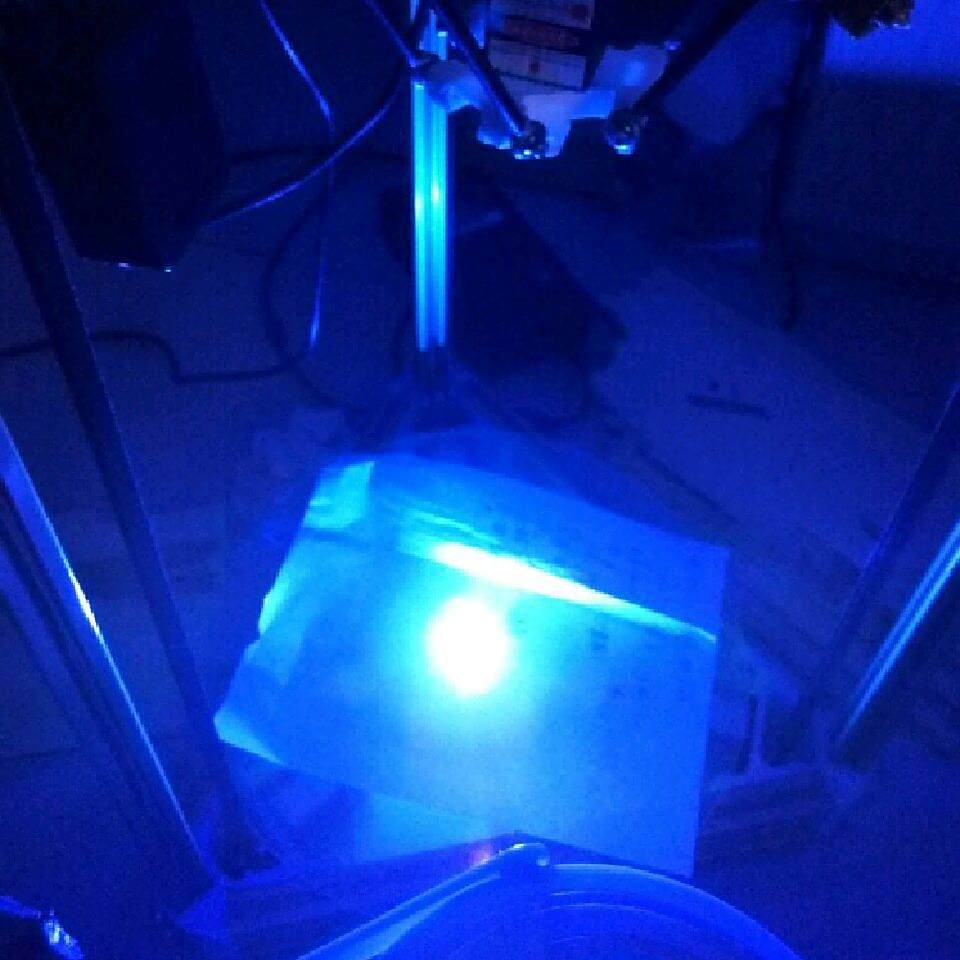



 纯手工
 多谢!现在的版本可以在linux和mac上运行,欢迎反馈!
 客气,共同进步~